
Enlarge
01 • OVERLAY CONTROLS
Floating Viewfinder Controls
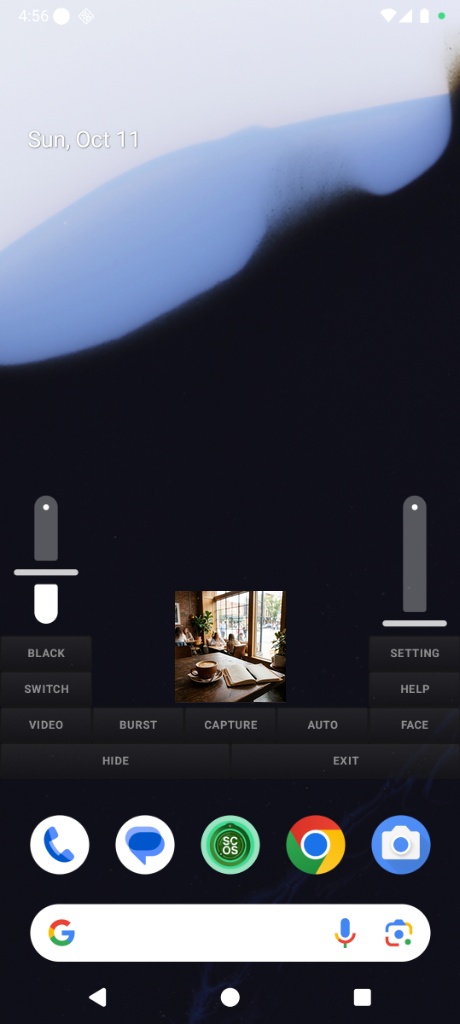
Pinch-to-zoom and drag the preview anywhere on screen without interrupting background apps.
Completely rebuilt from the ground up for lightning-fast performance and rock-solid reliability. Capture high-resolution photos with instant shutter response, record silent background video without freezing, and protect yourself with 100% on-device privacy.
Whether documenting critical incidents, ensuring personal security in vulnerable situations, or recording without unnecessary escalation, Spy Camera OS provides dependable, quiet assurance.
Hold your phone naturally while walking home or traversing quiet streets. Activate stealth recording with a quiet volume press or widget—your screen remains dark and ordinary.
Preserve unbiased audio and visual records of landlord discussions, consumer disputes, workplace misconduct, or traffic stops without antagonizing the other party.
Investigative journalists and citizen watchdogs can document public occurrences, safety violations, and real events where conspicuous cameras are unwelcome or prohibited.
Run maps for live navigation, look up information online, or message contacts while the transparent camera layer unobtrusively monitors in the background.
We re-engineered Spy Camera OS from scratch so you can capture evidence effortlessly without stutters, crashes, or phone overheating.
Experience a dramatic leap in performance. SCOS now launches faster, captures photos the split-second you tap, and works seamlessly with all your phone's lenses.
Never miss a crucial moment. Tap once and your photo is saved instantly with zero freezing, zero stutter, and zero shutter lag—even in rapid-fire burst mode.
Works reliably across Samsung, Google Pixel, Motorola, Xiaomi, and more. Easily switch between your ultra-wide, standard, zoom, and selfie cameras without glitches.
Optimized to record high-definition video efficiently without overworking your phone. Keeps your device cool and extends battery life so you can record longer.
A fully draggable, resizable preview window that floats over any app. Adjust transparency so it blends invisibly into your screen, or pinch to resize it down to an unnoticeable thumbnail.
Never worry about recordings cutting off. SCOS stays active in the background, reliably capturing video or timed photos even while you browse other apps, navigate with maps, or turn off your screen.
Transform your display into a simulated powered-off screen. Simply tap anywhere on the dark OLED display or tap your physical volume rockers to capture photos completely undetected.
Add compact 1x1 quick widgets directly to your phone's home screen. A single touch immediately triggers silent photo capture, rapid burst shots, or background video recording without ever opening the app.
Intelligent hands-free automation. SCOS automatically snaps a photo the instant someone enters the camera frame—timed smartly so it captures clean evidence without spamming your gallery.
Save photos and videos directly into secret folders or an SD card. Keep sensitive evidence completely separated from your phone's regular photo gallery so nobody sees it.
Explore the interface, intuitive controls, floating window overlays, and versatile capture modes. Swipe or click the arrows to browse the gallery, or tap any screenshot to inspect in full resolution.
Pinch-to-zoom and drag the preview anywhere on screen without interrupting background apps.
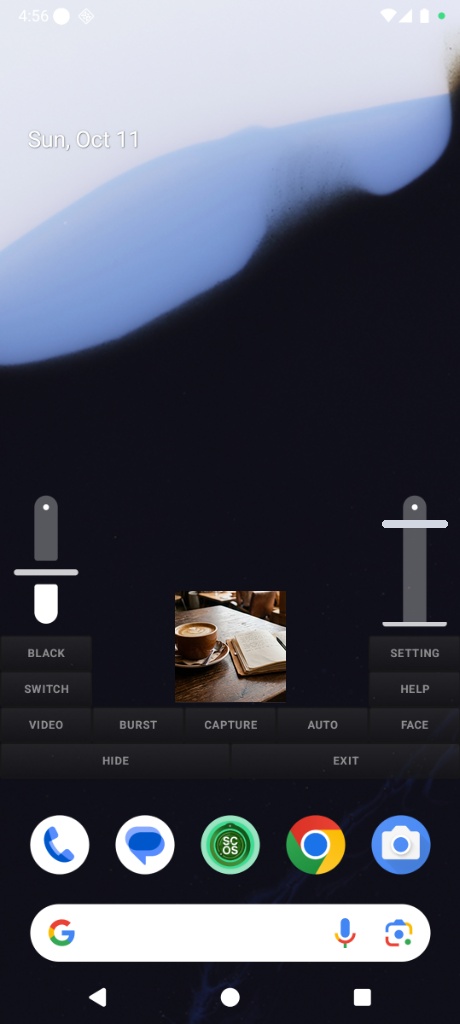
Dedicated vertical slider offers immediate, fluid control over optical and digital magnification levels.
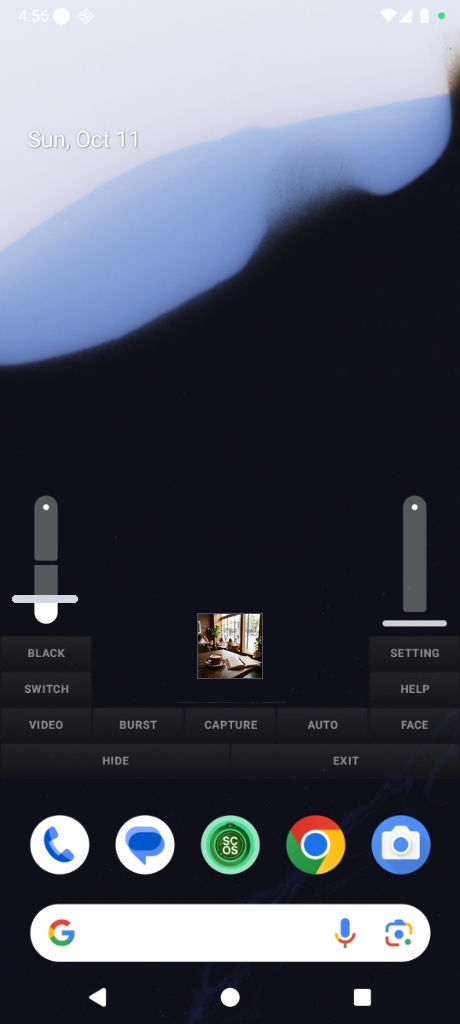
Scale the preview down to stamp-sized proportions for minimal visual footprint during quiet documentation.
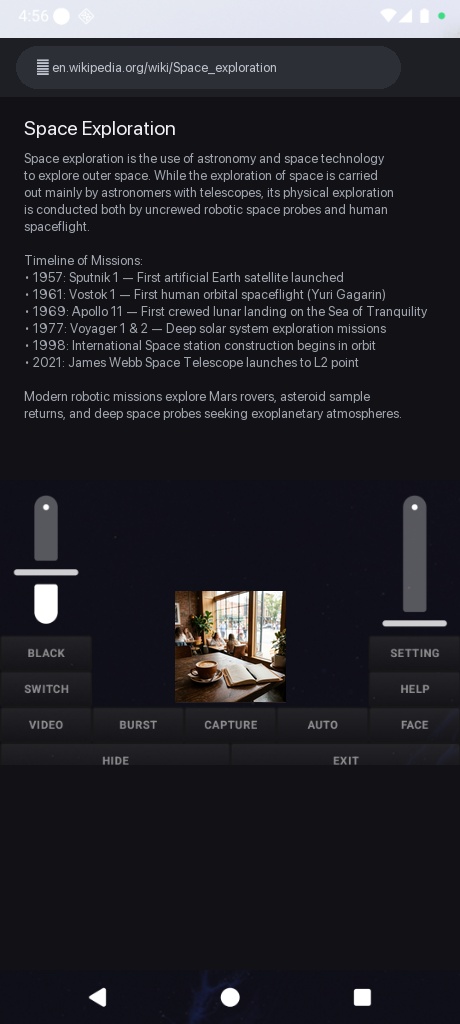
Browse websites, follow GPS navigation, or take notes while the camera quietly monitors in the background.
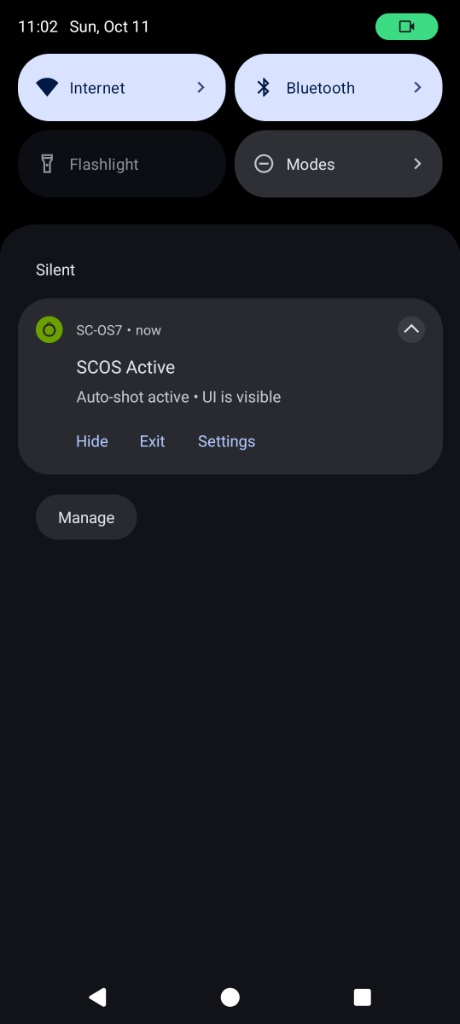
Discreet status notification with quick action controls (Hide, Exit, Settings) to manage background recording quietly.
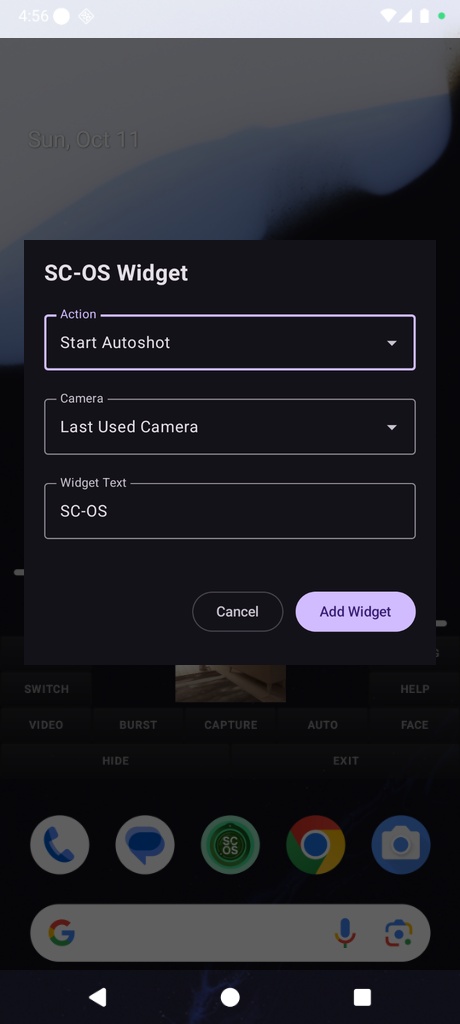
Deploy customizable widgets on your home screen to trigger instant headless recording with zero latency.
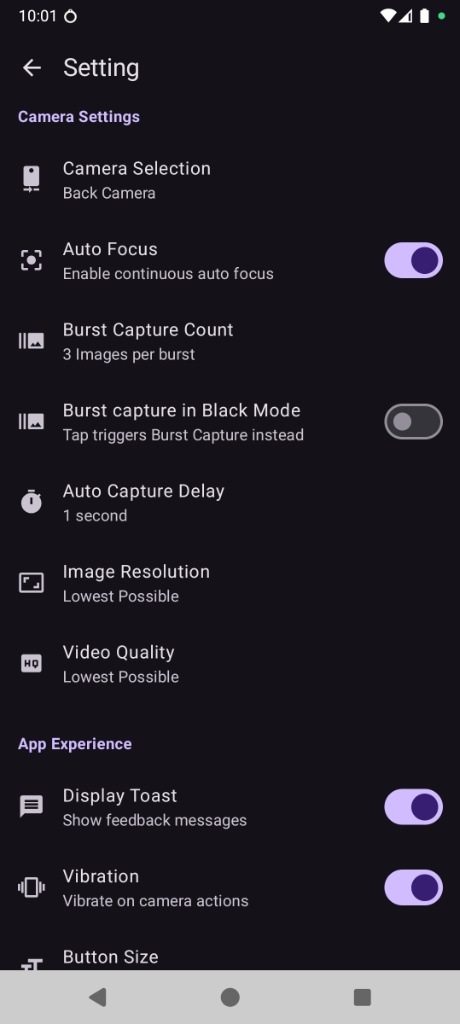
Fine-tune continuous auto focus, burst capture counts, stealth black mode triggers, vibration, and resolution limits.
Installing an APK is safe and straightforward. Follow these three quick steps to get Spy Camera OS running on your Android device.
Tap the download button below directly on your Android phone or tablet. The official .apk file will save immediately to your Downloads folder.
Open the downloaded file from your notification tray or Files app. If prompted, toggle on "Allow from this source" in your Android Security Settings.
Launch SCOS and grant Camera, Microphone, and Display Over Other Apps permissions so the floating viewfinder and background recording can run smoothly.
Everything you need to know about safety, permissions, features, and operating Spy Camera OS discreetly.
The latest release is a complete ground-up rebuild designed to be faster, smoother, and more reliable than ever. Highlights include:
Google Play Store policies restrict utility apps from displaying floating screen overlays while simultaneously recording in the background. Because true personal safety recording and unobtrusive floating viewfinders require both of these capabilities, we distribute Spy Camera OS directly as a standalone APK. You receive unfiltered access to the app's full features without artificial restrictions.
Spy Camera OS is free to download and use immediately with default settings. Anyone can start capturing photos and recording videos right away without paying. To customize advanced settings—such as custom video resolution, capture delay intervals, burst photo count, secret hidden folders, or home screen widgets—a one-time Premium license key is required. This fair model directly funds independent development and keeps the app 100% private with no data harvesting or predatory subscriptions.
If you prefer the original classic interface or require the previous release for compatibility with older Android devices, you can download the standalone legacy APK directly below:
Recommendation: The legacy version is provided for backward compatibility. For instant zero-lag shutter capture, 40% lower battery usage, and full compatibility with Android 9 through Android 15+, we recommend using the latest Spy Camera OS release.
Yes, 100%. Spy Camera OS has been trusted by over 1,000,000 users worldwide since its inception. It contains no malware or hidden spyware. Your captured photos and recorded videos are stored 100% locally on your device and are never uploaded to any remote server. The app only transmits anonymous technical error diagnostics when an unexpected crash occurs to help us quickly identify and fix bugs.
By default, Spy Camera OS is designed to operate completely silently without shutter sounds or camera flash. Flash remains off unless you manually enable it, and captures are signaled through subtle, customizable vibration pulses so you receive silent tactile confirmation.
Important Device Note: Certain phone manufacturers or regional device models (such as phones manufactured for Japan, South Korea, or certain carrier variants) legally enforce a mandatory camera shutter sound at the phone's system level. On those specific devices, third-party apps cannot override or disable the shutter sound. Please test a photo capture first in a quiet room to verify your phone's shutter sound behavior.
Yes. Thanks to its dedicated background recording engine, video recording and auto-shot timers continue running seamlessly when you lock the phone or switch to Black Screen Mode. (Note: On some Android devices, battery optimization settings might need to be adjusted to "Unrestricted" so the phone does not put background apps to sleep prematurely).
You have full control. SCOS can save directly to your standard phone gallery, or into any custom secret folder or external SD card of your choice—keeping your personal evidence completely private and hidden from other gallery apps.
Spy Camera OS works smoothly on virtually any Android phone running Android 9.0 all the way through the newest Android 15 and beyond.